Live color correction
Automatic correction, or a manual gel with adjustable color and intensity. See the result before you press the shutter.
 Join the beta
Your tank, in true color.
Real-time color correction for the aquarium lights your everyday camera struggles with. Capture your fish and corals on iPhone and iPad.
Download on the App StoreFor iPhone and iPad. See the App Store for current pricing and compatibility.
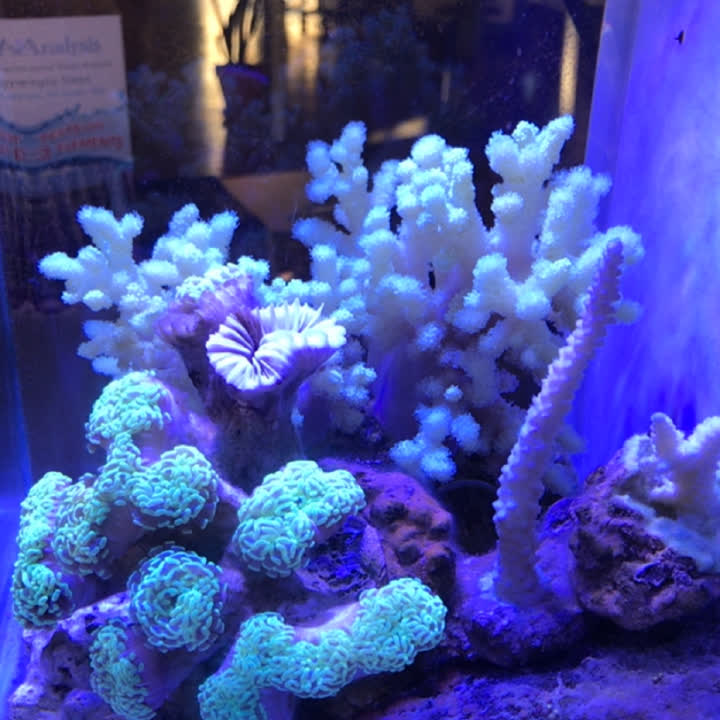
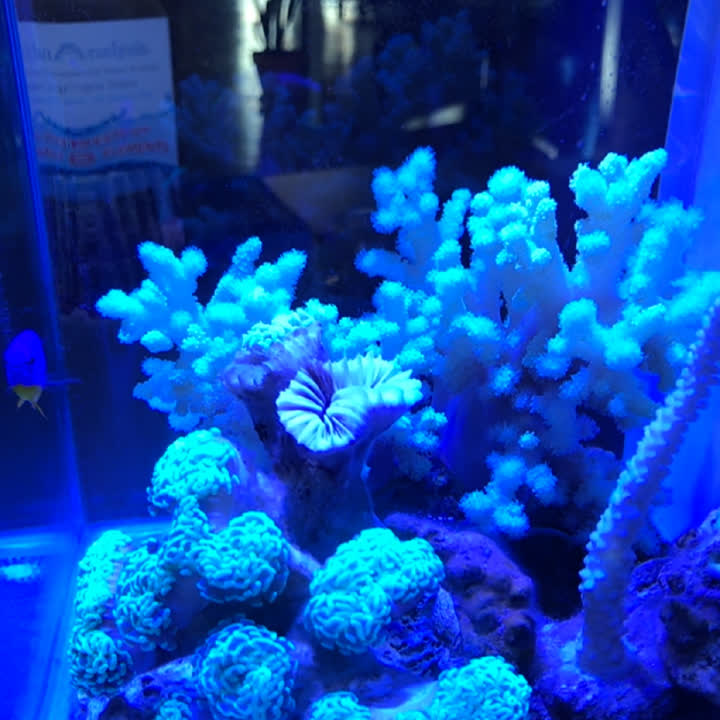 LED lightingCorrected
Drag to compare the same shot. Color correction happens live.
Automatic correction, or a manual gel with adjustable color and intensity. See the result before you press the shutter.
Capture full-resolution photos and record filtered video, with 4K on supported devices.
Fine-tune temperature, tint, RGB, and exposure. Save and share presets for your tank.
Use the side-by-side preview to compare the gel effect while you fine-tune the balance.
Review and share your captures. Choose whether to save to Apple Photos. The gallery uses iCloud Drive when available.
Use available camera lenses, touch to focus, portrait or landscape, and the volume button shutter.
Coming to Aquarium Camera. A frag today. A colony in the making. New Time-lapse projects bring repeat photos and video clips together in one place.
Match your last capture or a fixed reference. Adjustable markers help you line up the details that stay put.
Mix photos and short videos in a named project. Compare your first and latest captures as your tank changes.
Export with straight cuts or smooth crossfades, optional capture dates, and clip audio. Preview before sharing.
Projects stay on your device. This feature is in development.
Reference guides stay out of saved photos and videos. Your project keeps a consistent portrait, landscape, or square frame.
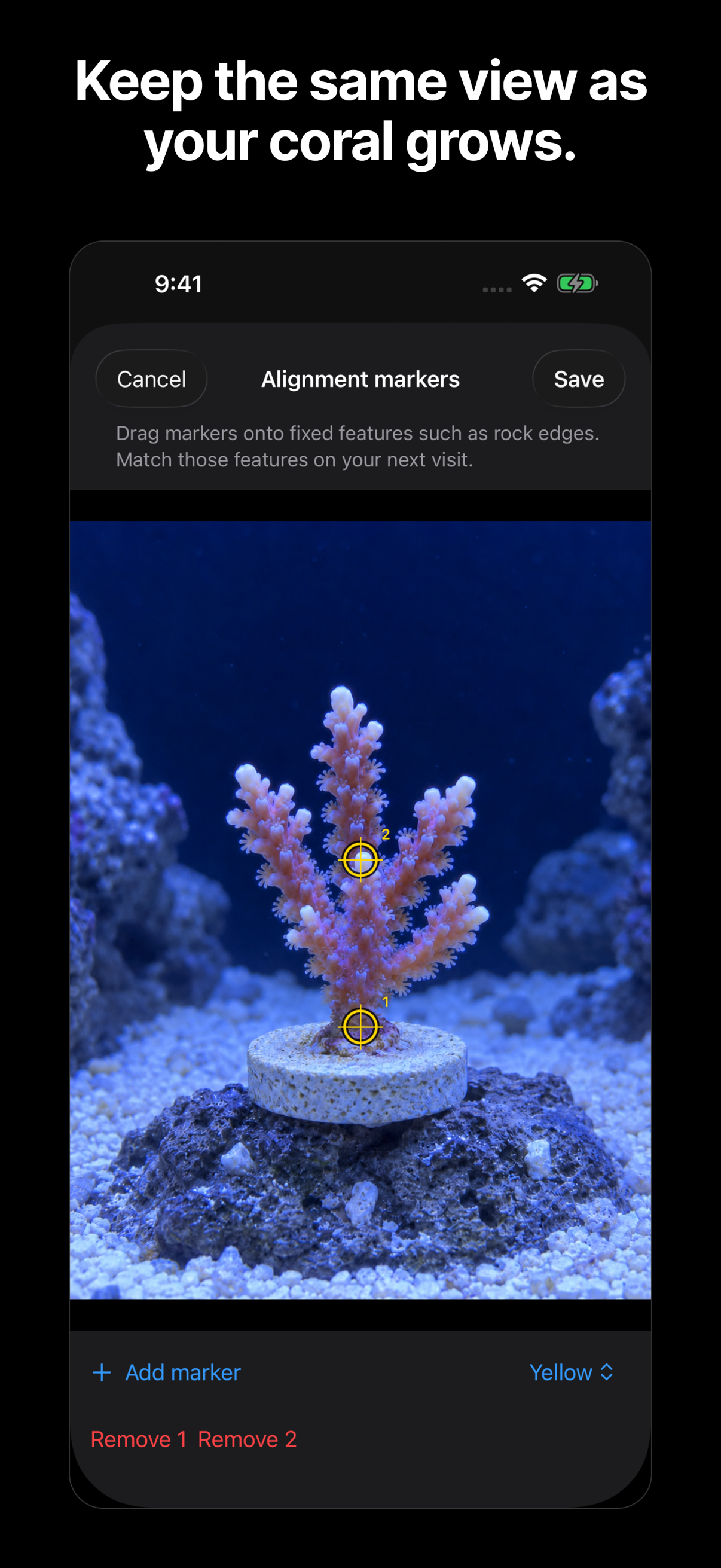
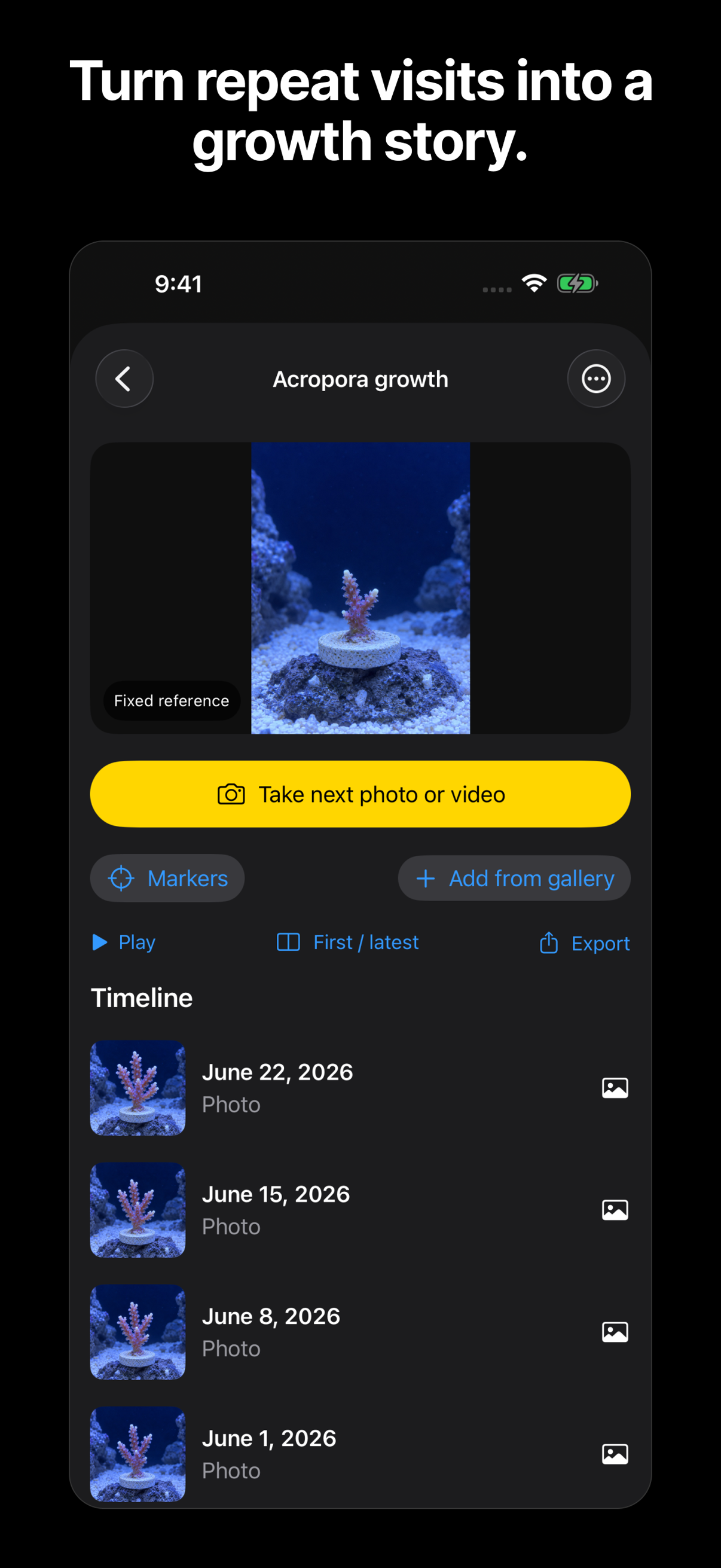
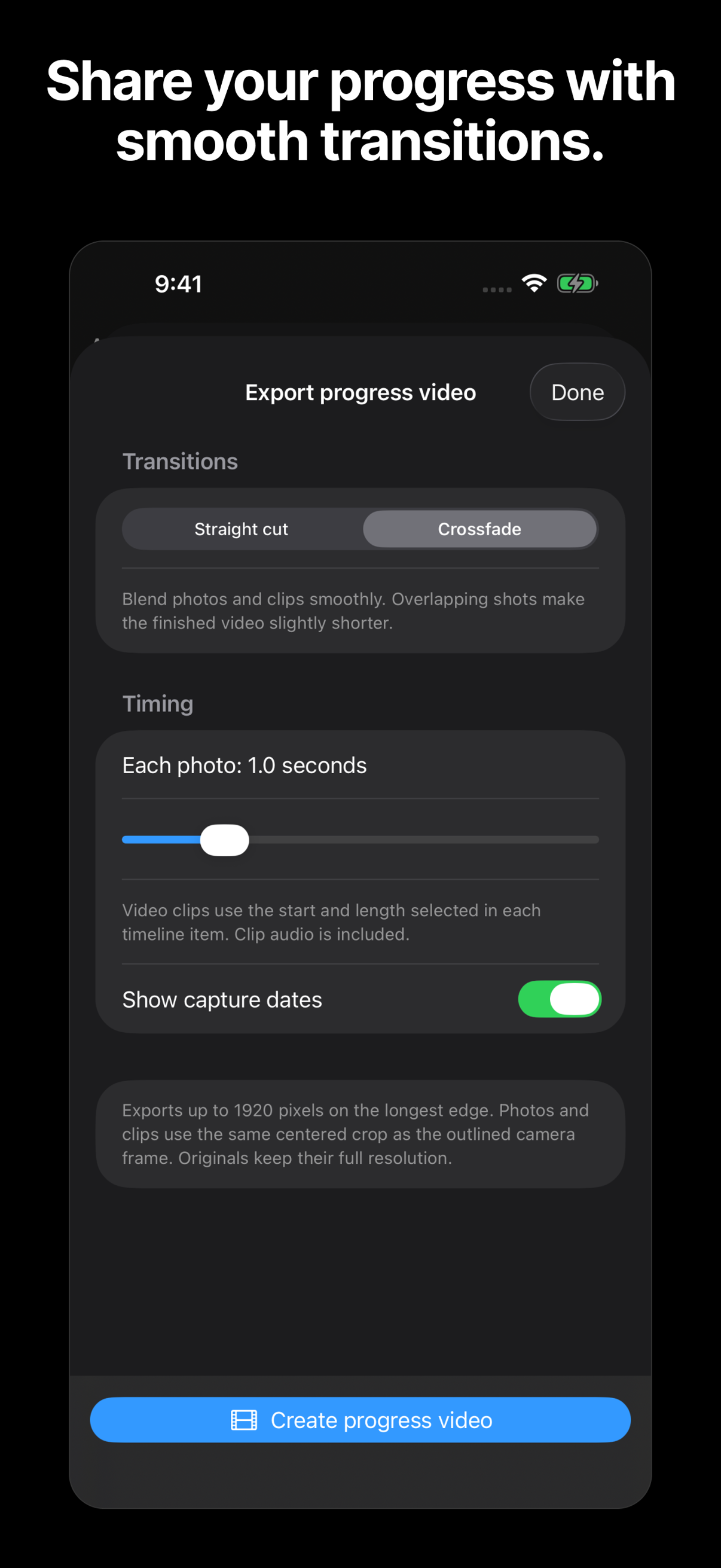
Original Aquarium Camera footage alongside a preview of the upcoming Time-lapse projects.
Original version 4.0 app demo. Some interface details differ from the new release.
Promotional preview of projects in development.
Keep exploring